
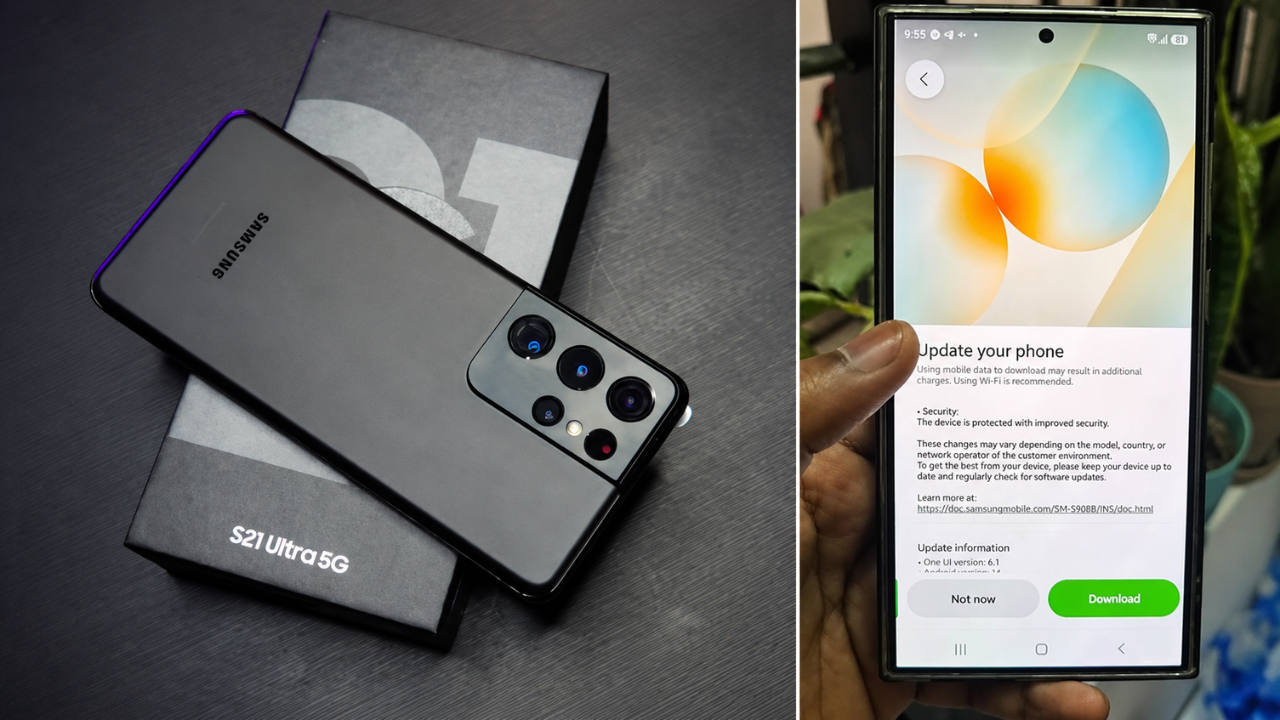
Samsung Galaxy users have said their devices are overheating and losing battery after a recent software update was installed. People have been posting on social media and online forums to say that some devices are getting hotter than normal and draining their batteries faster than normal when they are doing normal things like browsing, streaming, gaming, and charging.
The reports have stirred much talk but the exact cause has not been officially confirmed. It’s not likely that every Galaxy device will experience this problem, and the severity of the issues reported seems to vary depending on the phone model, software version, installed apps and how the individual uses their phone.
Users report battery life shorter
One of the most common issues that people report after the update is a significant decrease in battery life.
Some users have said their phones are draining much faster than before, even when they’re just doing normal things like messaging, web browsing and social media. Some users are also experiencing increased battery drain while the device is idle. This means it’s possible that this is down to some background processes or software optimisation.
Complaints of Overheating Surface
Besides the battery problems, some Galaxy owners also say their smartphones are getting hotter than usual when they are doing normal things with them.
Users report that the devices can get hot when charging, using the camera, GPS navigation or demanding apps. Smartphones will naturally generate heat when used heavily, but prolonged or higher-than-normal temperatures can affect comfort and may lead to battery degradation over time.
You might have to optimise the software.
Some effects of a major operating system update include changes in system services, background processes and application compatibility.
After installation the device may take several hours or even days to rebuild caches, index content, and optimise applications. During this time you might see higher battery usage or higher temperatures until the software settles in to normal operation.
Samsung Can Fix the Issue in Future Updates
Samsung sends regular maintenance updates to improve the system stability, battery optimisation, security and overall performance.
If engineers determine it’s a software issue, the company could issue a firmware upgrade to fix problems with battery management and thermal performance. We encourage users to promptly install the official software updates when they become available. These releases typically include improvements based on feedback from our customers.
Official information will provide the best answers.
Some Galaxy owners have complained about battery drain and overheating but it’s important to remember that not all devices will behave the same.
Samsung urges users to use official support channels and install any available updates while it completes its investigation, and not jump to conclusions based on isolated reports. The official release notes and customer support guidance will contain the most accurate info on the issue reported and any available solution.
Sources
- Samsung Support – Official Drivers, Firmware and Unlocking Guides for Samsung Mobile Phones.
- Samsung Newsroom – Official software announcement and Galaxy update information
- Samsung – Members Community Talk & Official Notices for Galaxy users
- Android Authority – Samsung device news, Android updates, and Android coverage.
- SamMobile – Samsung firmware tracker, update news and Galaxy devices news.
- The Verge – The Verge covers the intersection of technology, gaming and entertainment.