

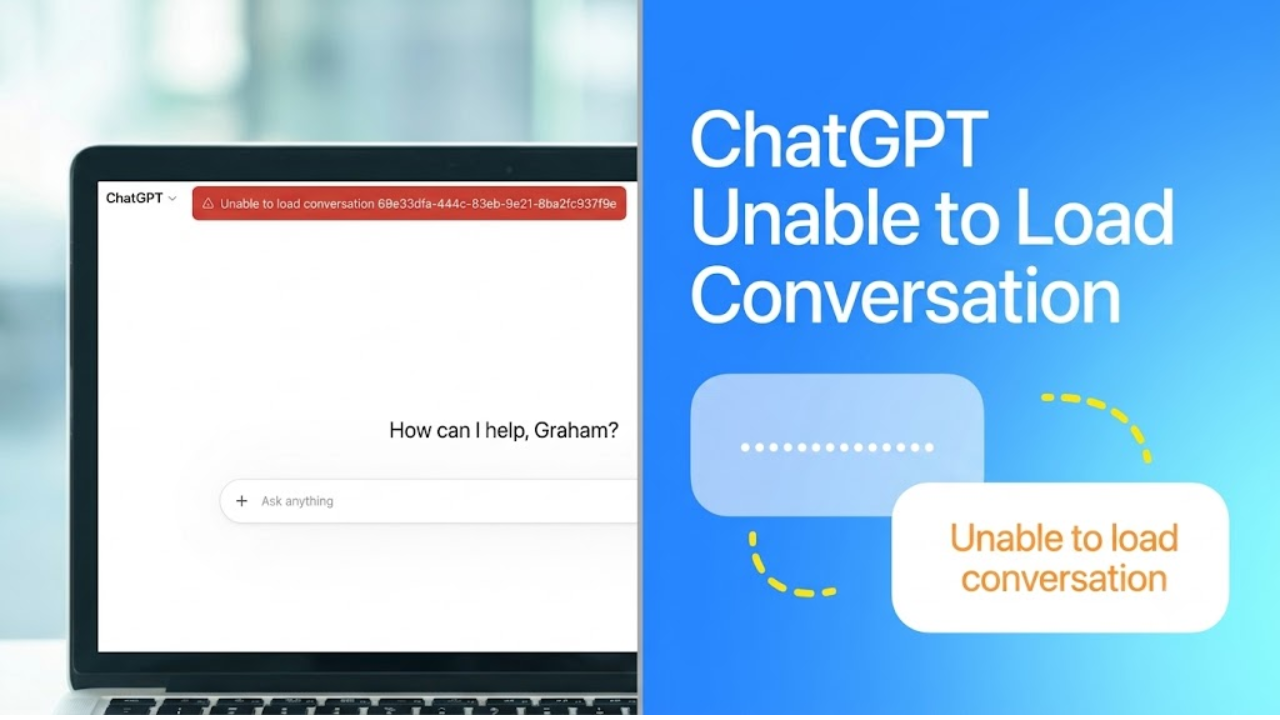
ChatGPT Down – The first question most users ask themselves when they can’t access a service is whether the service is suffering a global outage. You have to understand that yes , sometimes something big breaks in the system . But just because you see something wrong on your screen , it does not mean that everything is down for everyone . Most of the time the OpenAI servers themselves are up and running fine . It is more that some users have a localised connectivity hiccup . The central servers may not be technically offline , but sudden traffic spikes can cause temporary bottlenecks , which can cause the web interface to stall . So users should always check the situation with the official status pages before concluding the collapse of the entire platform.
Understanding the “Unable to Load Conversation” Error Message
One of the most common roadblocks in daily use is the error message specifically stating that the system cannot load a conversation. This notification is given when the front-end web interface fails to establish a stable handshake with the backend database where your chat histories are stored securely. The communication channel times out before the data payload can be returned to your screen . In essence, your web browser is asking the server to fetch the saved dialogue . That disconnect is rarely a sign of permanent data loss. Your prompts and the generated responses are safely stored on the cloud architecture and the problem is purely in the retrieval process that is not able to complete its cycle.
How Browser Cache and Local Network Instability Work Together
Apart from temporary server-side problems, the underlying cause of this retrieval failure is often associated with the user’s local hardware and network environment. Even a moderately flaky Internet connection – fine, for example, for streaming video or visiting lightweight text sites – can easily interrupt the constant back-and-forth of data packets required for highly interactive web applications. And a micro-disconnection for a fraction of a second is enough to break the fetching sequence. Modern web browsers also save temporary files, cookies and local cached data from time to time to speed up loading of frequently visited websites. These temporary files can become corrupted or very old over time. This corruption of your cached data results in a serious conflict with the live servers, when your browser attempts to use it to authenticate your session or load the chat interface, leading to a total failure to display your past conversations.
Troubleshooting Tips to Get You Back Online
To solve this loading issue, you need to methodically eliminate any potential bottlenecks in your local network. The fastest and easiest thing to do is to do a hard refresh of your web page. This forces the browser to ignore locally cached files and request a fresh copy of the site directly from the horse’s mouth. If the problem persists, the user will need to clear the browsing data manually, by selecting cookies and cached images in their browser settings. Another great option is to open the platform in an incognito or private browsing window so that you have a clean start. It is also highly recommended to disable Virtual Private Networks or proxy servers as these routeing services send your connection through third party servers which can artificially inflate latency or trigger automated security blocks on the backend database.
The effect of long chat threads and processing big data
Lastly, the sheer volume of data contained within a particular conversation thread can directly cause this loading failure. If a user remains in a single, ongoing chat for weeks or months, they can accumulate a huge amount of text context. Opening one of these heavy threads requires the server to compile and send a huge block of information at once. This heavy processing load makes a timeout error much more likely. If a certain heavy thread just refuses to load after all local troubleshooting, your best bet is to start up an entirely new chat session. Starting fresh removes the memory burden from the interface, and often immediately bypasses the retrieval error, allowing you to get back to your workflow without further delay.