
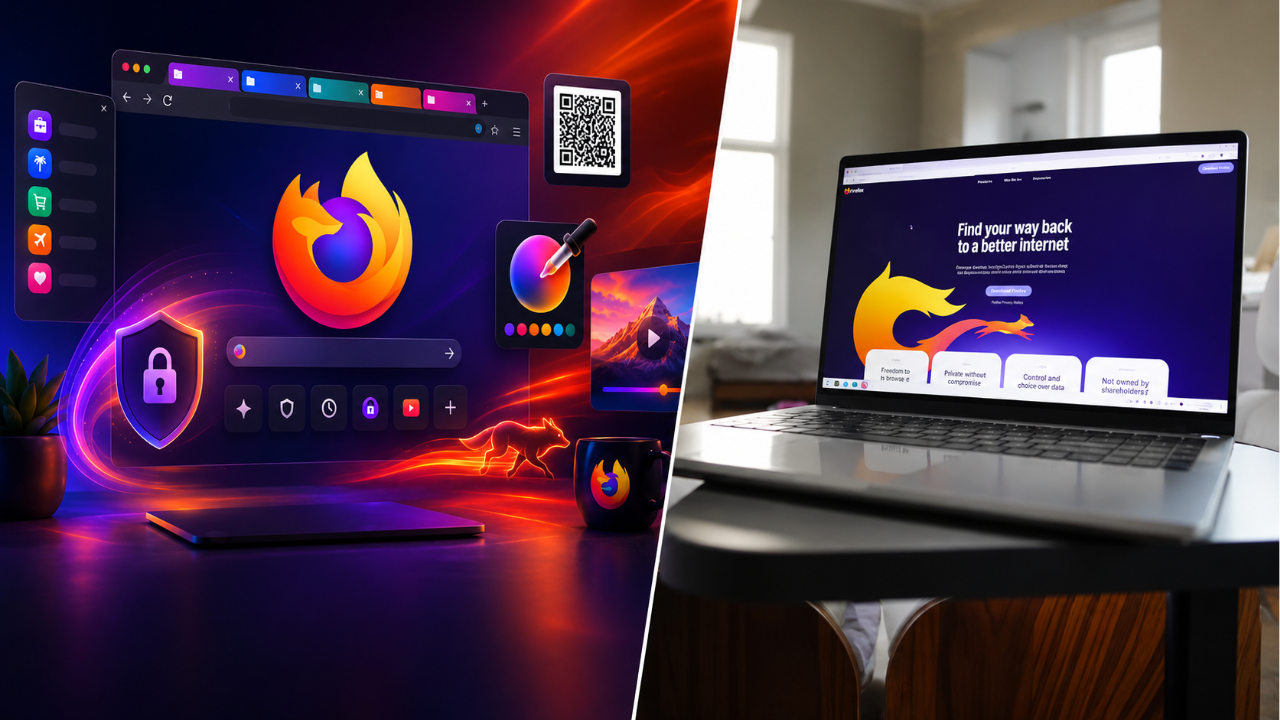
Mozilla Firefox 153 – Mozilla has officially shipped Firefox 153 with a number of browser improvements including native Containers feature, performance improvements and more usability improvements. The update continues Mozilla’s focus on privacy, productivity and a better browsing experience on the platforms it supports.
There are also reliability improvements and bug fixes to make everyday browsing more reliable in Firefox 153. Some features may not be available to all users at the same time, or may vary depending on the user’s operating system and browser.
Native Containers for Firefox
Firefox 153 introduces native support for Containers, a major new feature that allows users to isolate their browsing activities into different sessions. Containers allow you to keep work, personal, shopping and social media accounts separate from each other without having to sign in and out all the time.
It can also restrict cross-site tracking by limiting how websites can share browsing data across different container sessions. The new feature will be most useful for those who often have to deal with multiple online accounts.
Stability and Performance Enhancements
Mozilla has also made a number of under-the-hood tweaks in an effort to make the browser feel more responsive and improve overall performance. Firefox 153 is faster to launch, makes better use of system resources and surfs between websites more smoothly.
This update also includes fixes for bugs reported in previous releases, which improve stability of the browser and reduce the incidence of unexpected crashes during everyday use.
More security and privacy features
One of Firefox’s major strengths is its privacy and version 153 doubles down on that with more security improvements. Mozilla has patched known holes and enhanced existing privacy protections to better protect user data while surfing the Web.
We encourage users to upgrade to the latest version to take advantage of the latest security patches and browser protections.”
Improved UX for Users
Firefox 153 includes a raft of interface tweaks that make navigation more intuitive. The overall design is familiar, but Mozilla has reworked many elements to improve accessibility, consistency, and usability.
There’s also been continued developer work to improve compatibility with modern web standards, which will help websites and web applications behave more consistently in the browser.
Automatic update availability
Most Firefox users will get version 153 automatically via the browser’s built-in update mechanism. You can check if you are on the latest version manually in the settings menu of the browser if you turned off automatic updates.
If you install the latest release you will have the latest features, security updates and performance improvements.
Firefox from Mozilla Continues to Grow
Firefox 153 continues Mozilla’s investment in features that balance privacy, speed and productivity. Yet the inclusion of native Containers alongside the larger browser improvements is representative of the company’s continued push to provide an alternative focused on user control, not broad data collection.
There are further refinements planned for updates to come, to make browsing even better, more compatible and more secure for Firefox users.
Sources
- Mozillazine – Official news and announcements for the Firefox releases, feature updates and security information.
- Firefox Release Notes – Official documentation of new features, fixes and browser enhancements.
- Mozilla Support – Tips for setting up your browser, help with troubleshooting and instructions for updating.
- BleepingComputer – Browser updates, security news, and software releases
- The Register – Technology news, focusing on browser development and the industry.