

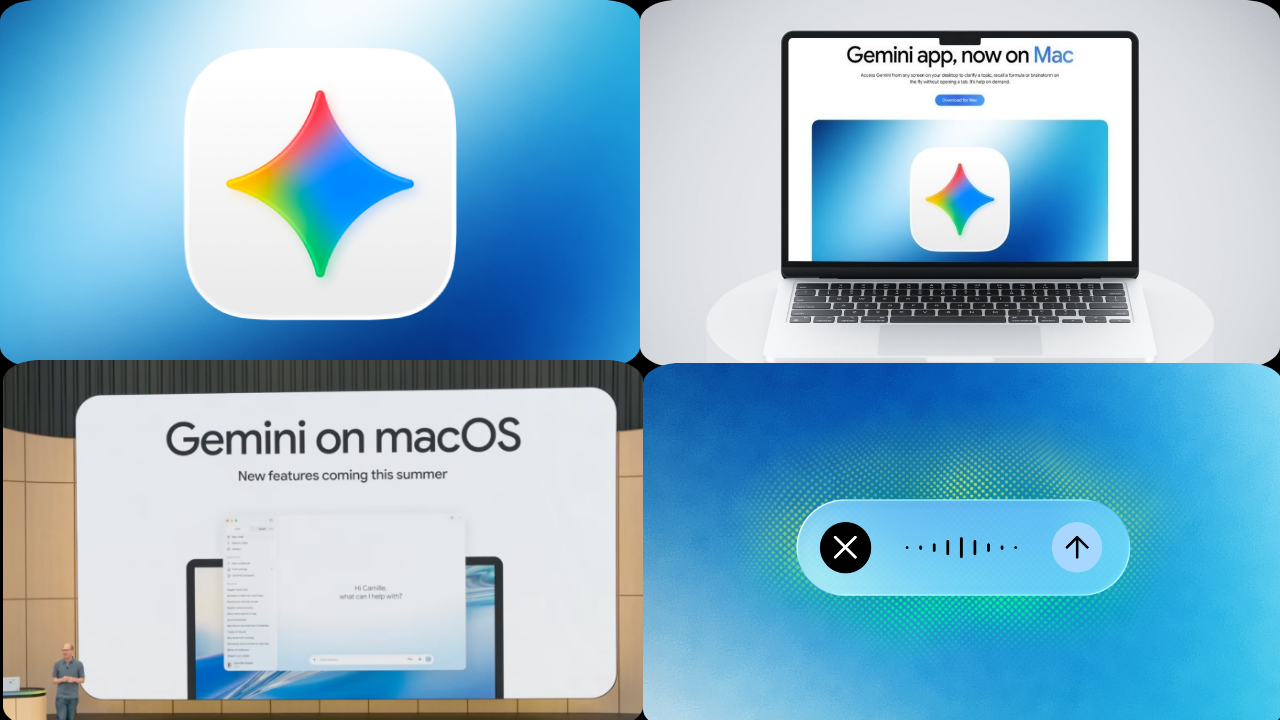
Google is making Gemini more useful on Mac computers with voice controls and screen awareness for the AI assistant on macOS, according to reports. The update would allow users to talk directly to Gemini and ask questions about what they’re seeing on their screen at that very moment.
The new Gemini for macOS is built to increase your productivity by removing the need to copy text, upload screenshots, or switch between apps multiple times. It could allow users to ask Gemini to summarise documents, explain charts, review emails or help with tasks while still working in another app.
Gemini More User Friendly with Voice Control
Of course, Mac users could just speak to Gemini instead of typing out every prompt. This is handy if you multitask a lot like editing documents, creating presentations, writing code or switching between windows.
Voice support can also make follow-up questions more conversational. You can ask Gemini to explain something, shorten a paragraph or give you an alternative without restarting the interaction.
Screen Awareness More Context
Provided users have the right permissions, they could ask questions like “Summarise this page”, “Explain this chart” or “Improve this paragraph” without having to manually copy content into Gemini.
This could make the AI assistant more integrated into macOS and more useful for everyday tasks. Ultimately, though, it’s up to Google’s implementation as to which apps and file types will be supported.
In-Apps May Boost Productivity
Someone reading a long report might ask Gemini to summarise the key points. A student may need a simple explanation of a hard section. For example, a professional might ask the assistant to rewrite an email the user sees on the screen.
This feature can be used by Developers to learn error messages or to see the visible code. Designers and content creators may ask for comments on text, layouts or visuals.
Privacy permissions will count
Note: Gemini may request microphone, screen recording or accessibility permissions on macOS. “Take a very close look at these settings and only give access if you absolutely have to.
Handle sensitive information carefully e.g. passwords, bank account data, private messages and confidential documents related to work Google will have to clarify which data is processed, how long it is stored and if users can quickly turn off access to the screen.
Availability may be limited initially
The features being announced will not be available for all Mac users at one time.
Google’s AI updates are generally rolled out in stages — depending on country, language, account type and subscription plan — at its own discretion. Some tools will be made available to Google AI Pro or Workspace customers first, prior to broader release.
Gemini: The Browser Is Just The Start
The rollout is part of a broader push by Google to put Gemini into phones, browsers, productivity apps and desktop systems.
Screen awareness, possible voice commands would help Gemini better compete with its fellow AI assistants on macOS. The update will be judged successful based on how well the features perform in different applications, their accuracy, speed and privacy.
Sources
- Google Gemini – Official product information and feature announcements.
- Google Workspace Updates – Gemini release notes for productivity tools
- Google Support – Set up, permissions and compatibility help.
- Apple Support – Manage microphone and screen recording permissions on Mac.
- The Verge – Covering consumer tech and AI assistants.
- TechCrunch – Google Gemini, productivity software.