

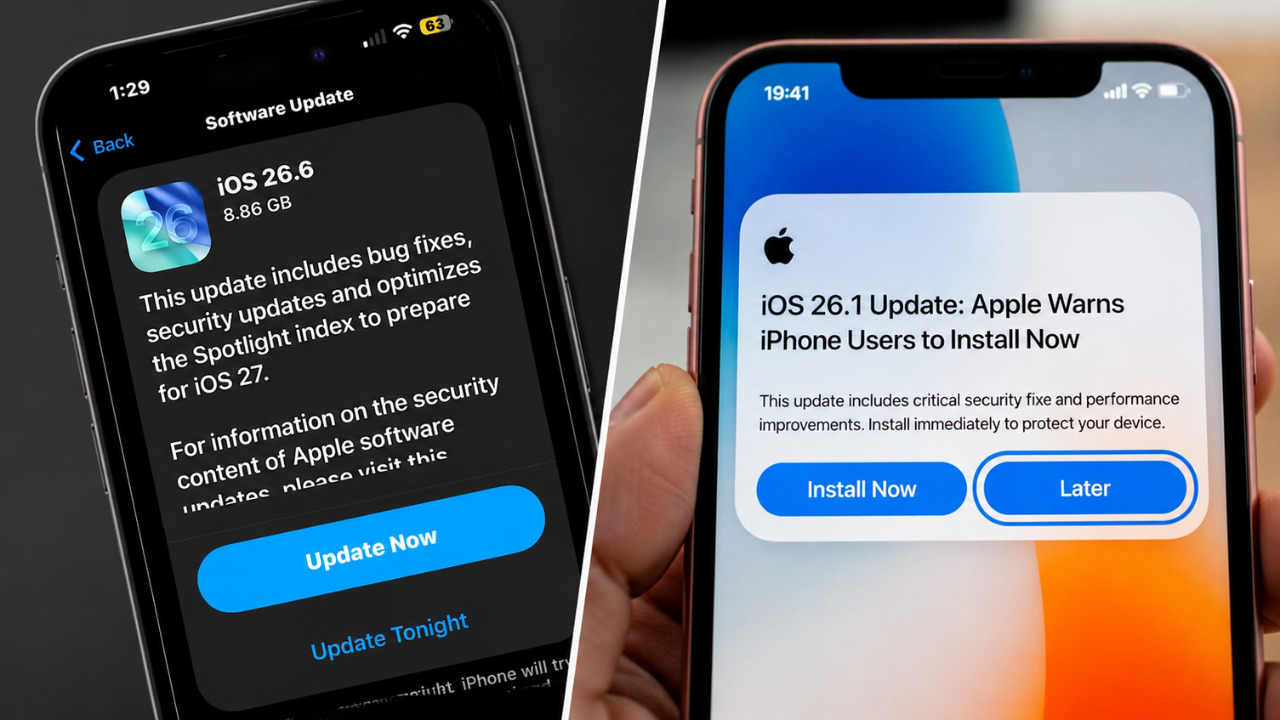
Apple has reportedly released iOS 26.6 for compatible iPhones with major security enhancements, bug fixes, and performance improvements. This feels like an effort to make iPhones more reliable, not a complete overhaul of the interface or a tonne of new consumer features.
The reported iOS 26.6 update is especially important for those who have delayed installing recent software versions. Apple periodically releases point updates to patch security holes, boost system stability, and fix bugs related to battery life, connectivity, apps, and overall performance.
The primary reason to update is security fixes
Usually the most important thing in an iOS point release is improving security.
iOS 26.6 may fix security bugs in WebKit, the operating system kernel, image processing, wireless connections or other vital parts. Some vulnerabilities may be exploited over network connections, in some cases without requiring user credentials.
To see which issues were fixed, and whether any were actively exploited before the update was released, users can check Apple’s official security content page.
Performance and Stability Improvements
It is said to boost overall system stability on supported iPhones.
Some users are likely to notice smoother animations, quicker app launches, fewer unexpected crashes and better responsiveness after the installation. Apple may also fix temporary freezes, keyboard lag, notification issues or apps closing unexpectedly.
The results may be different on different devices because the older iPhones may behave differently from the newer iPhones with more powerful processors and more memory.
Battery and Heat Problems Could Be Reduced
Major iOS releases tend to have battery drain and heat issues.
iOS 26.6 might bring improvements to background processes to help save wasted power. It also helps to deal with heat during charging, gaming, camera use, video calls or navigation.
Your battery life may seem a little worse off for a while immediately after the install. This is because the iPhone needs some time to re-index files, update apps and do other background tasks. Generally, this process is followed by an increased stability of performance.
Connectivity fixes could help day-to-day usage
Apple could also provide fixes for Wi-Fi, Bluetooth, mobile data, AirDrop and CarPlay.
You may notice improvements if you were previously experiencing dropped connections, slow network speeds, pairing failures or delayed device detection. But routers, mobile operators, accessories or incorrect network settings can also be the cause of connectivity problems.
If the problem persists after the update is installed, you might want to reset your network settings (make sure you save any important Wi-Fi passwords first).
Backup Users Before Installing
Users are recommended to back up using iCloud or a computer before upgrading to iOS 26.6.
Ensure your iPhone has enough storage, a solid Wi-Fi connection, and enough battery power. Don’t forget to connect the phone to a charger so that the installation does not stop.
To check for the update, users should open Settings, tap General and then Software update. Availability may be gradual by region, device model and Apple’s rollout process.
Sources
- Apple Support – Official iOS install and troubleshooting tips.
- Apple Security Updates—Information about vulnerabilities addressed in software updates.
- Apple Developer – Documentation and release notes for OS
- Apple System Status – Information about service interruptions.
- MacRumors – Apple Software Updates and User Feedback.
- 9to5Mac – Apple News, Rumours and Reviews since 2007.